 ★ 4.2
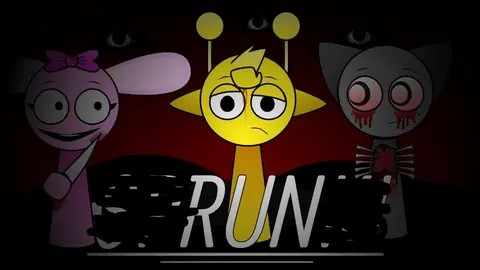
A terrifying Sprunki mod with corrupted beats, jumpscares, and dynamic horror.
 ★ 4.8
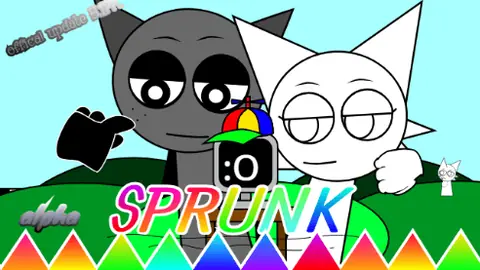
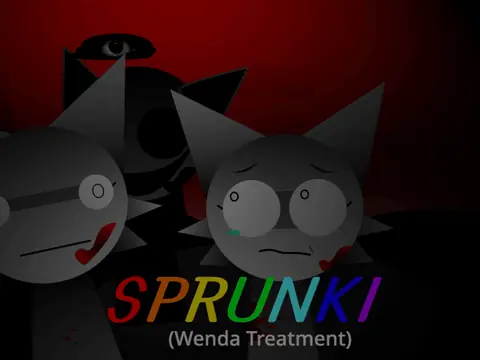
Psychological audio-horror dawn of Wenda’s madness in the Sprunkiverse.
 ★ 4.7
Mix heavy percussion and texture loops free, right in your browser.
Click to Play
It is free!
Please be patient while game is loading
 ★ 4.6
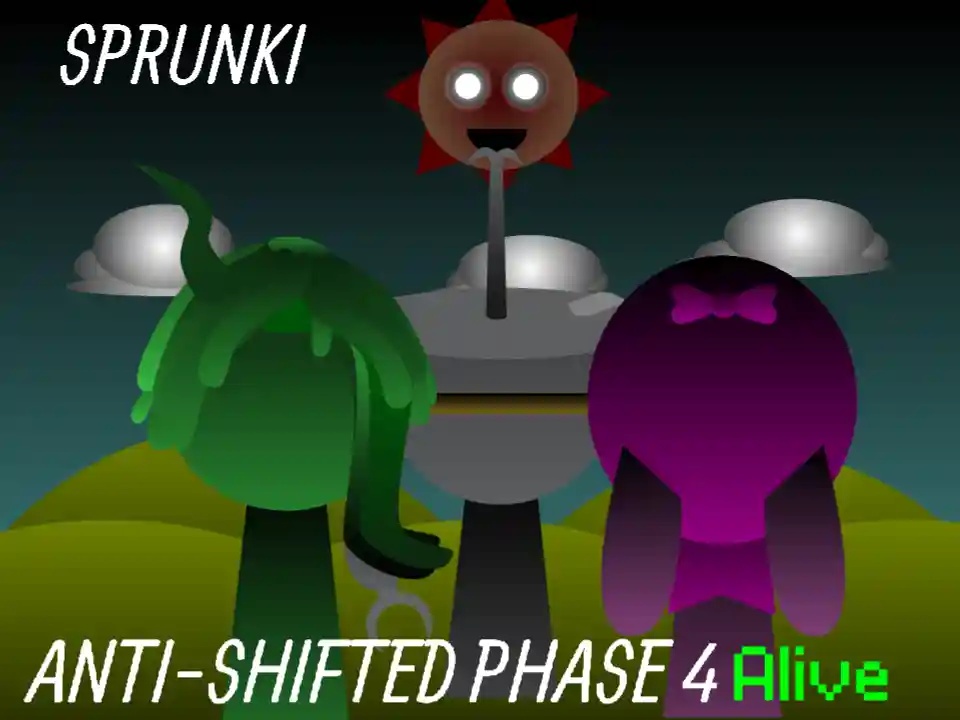
Sprunki Anti-Shifted: Phase 4 keeps the mixer raw, clear and unshifted.
 ★ 4.7
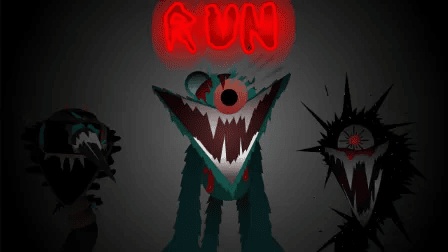
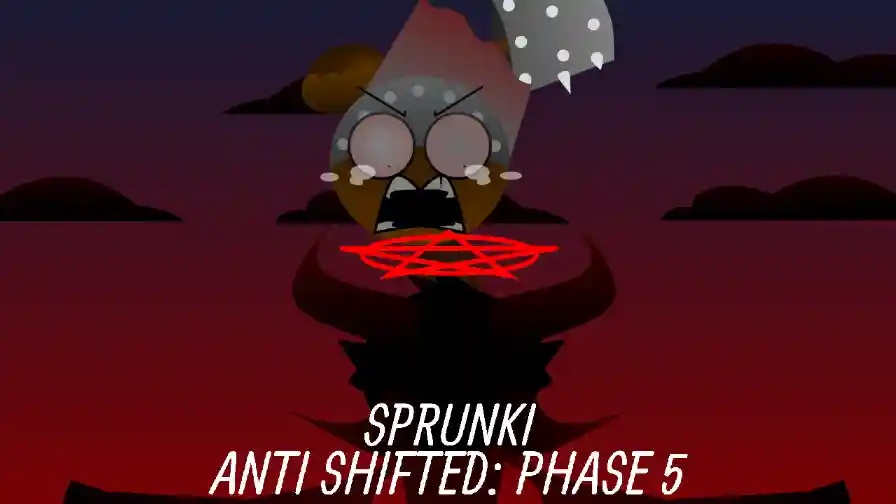
Build a creepy mix with fallen Sprunki faces and glitchy horror beats.
 ★ 4.5
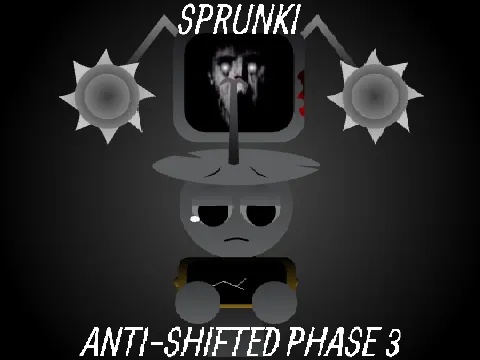
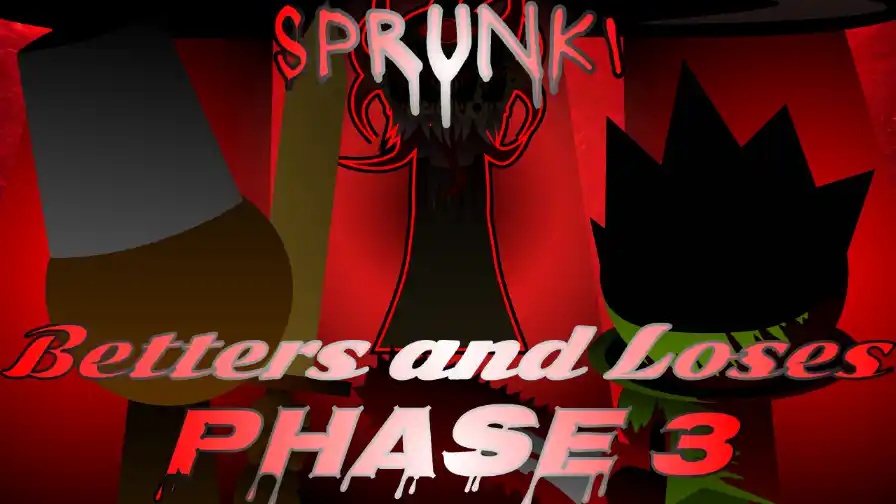
Layer eerie Phase 3 loops where dead survivors and killer Wenda sing.
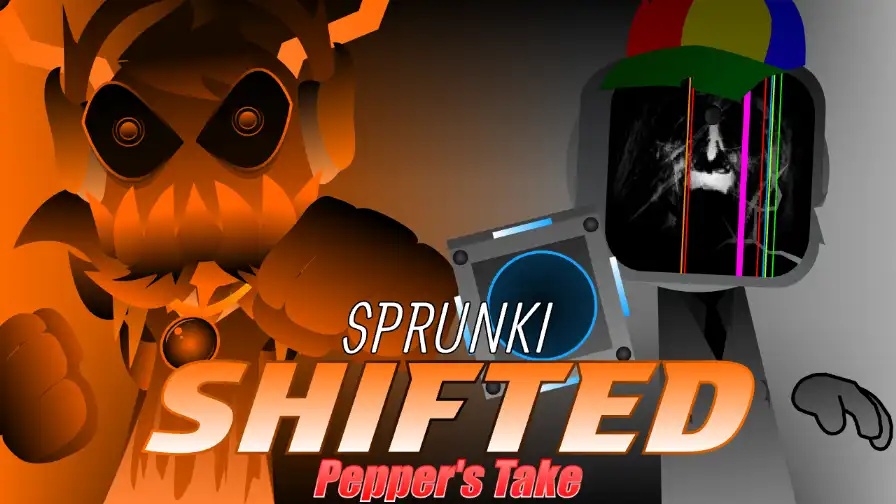
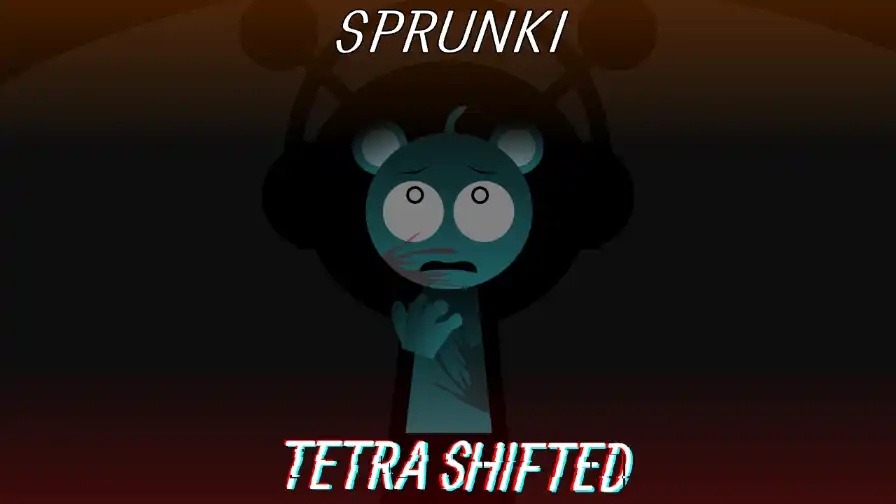
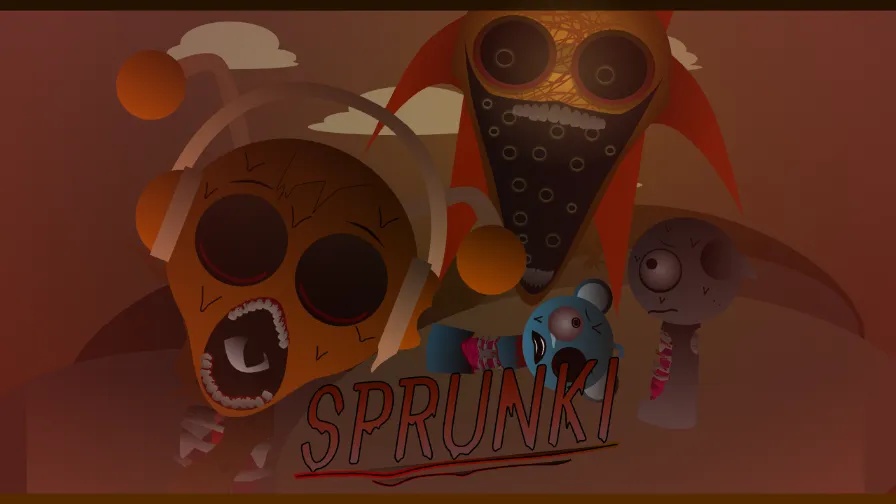
Sprunki Phase 15 is a horror-themed entry in the Sprunki music series, and it gives the usual mixing session a dark, unsettling edge. The drag-and-drop style of Incredibox games remains, yet every character and sound gets a creepy rebuild. Distorted vocals, slow industrial beats and gloomy animations replace the brighter feel of earlier phases. As you place each figure on the stage, it adds one more layer to a track you create. You can play Sprunki Phase 15 online for free in your browser, and no download is needed.
Find Sprunki Phase 15 in the site's mod list and open it. The game runs in your browser; there is nothing to install and no account to make. Let the stage and character icons load before you begin.
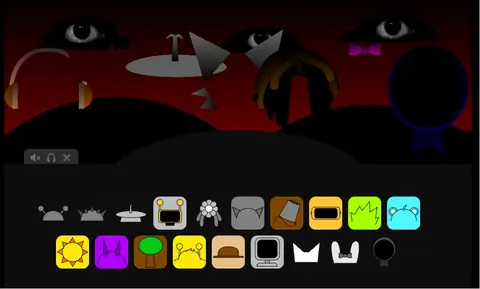
Choose a character with a horror look and place it on the stage. Every figure begins a loop at once, such as a vocal, a beat or a melody. That gives you a first layer; listen and judge how it fits.
Place extra figures one by one and check the mix after every addition. Each character brings sound, and you can silence or take one out when a layer gets busy. Continue until the track matches what you hear in your head.
Try pairings that seem odd. Some groups set off special animations and dark surprises you cannot get from the usual setup, so experimenting beats repeating one lineup.
Once the result pleases you, save the track and send it to other Sprunki fans. When you share, other players can hear your mix and build their own take on the same combination.
Many Sprunki mods use cute or cartoon art. Sprunki Phase 15 takes the opposite route and wraps the same mixing system in a complete horror mood. Characters get sinister, surreal redesigns, and their loops carry that tone through distorted vocals and slow, heavy beats. The interface and animations keep the same gloomy style, which makes the screen feel tied to the track. Pairings also act differently. Unusual combinations can trigger special animations and dark surprises that other phases lack. It fits players who want to experiment with music and get a scare along the way.
Yes. On our site, the game runs free in your browser. You do not need to download, install or pay anything. Open the mod, make a track and leave whenever you want.
You build a track by dragging horror-themed characters onto the stage. Each figure adds a loop, and you stack more loops to complete the mix. Some pairings uncover hidden content; you can also save your work and share it.
Its horror approach is the main difference. Characters have sinister new designs, the sound bank favors gritty vocals and heavy, dragging beats, while the interface looks gloomy. Secret combinations bring extra animations and surprises.
Yes. Because it runs in a browser, it works on computers, phones and tablets. Simple drag-and-drop controls suit a touch screen. A bigger screen helps you see every character on the stage.
No. Sprunki Phase 15 uses the same drag-and-drop mixing system found across the series, so beginners can jump in. If you have tried other Sprunki or Incredibox-style titles, the controls will feel familiar.
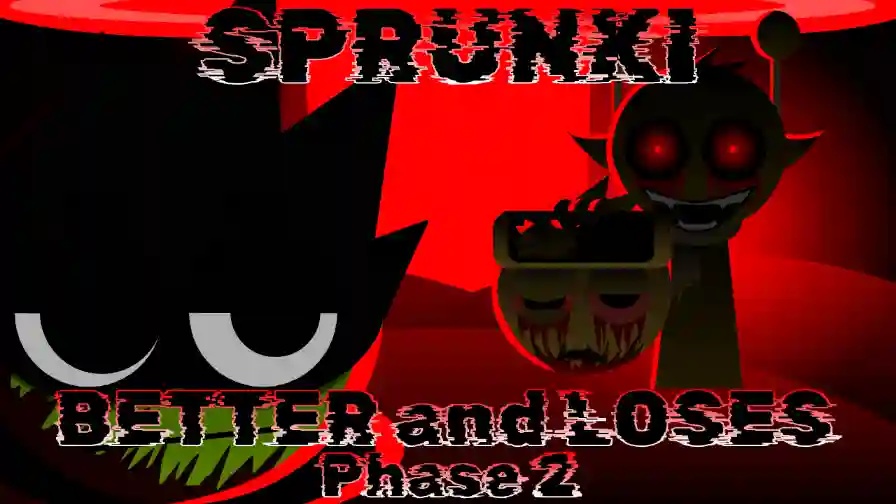
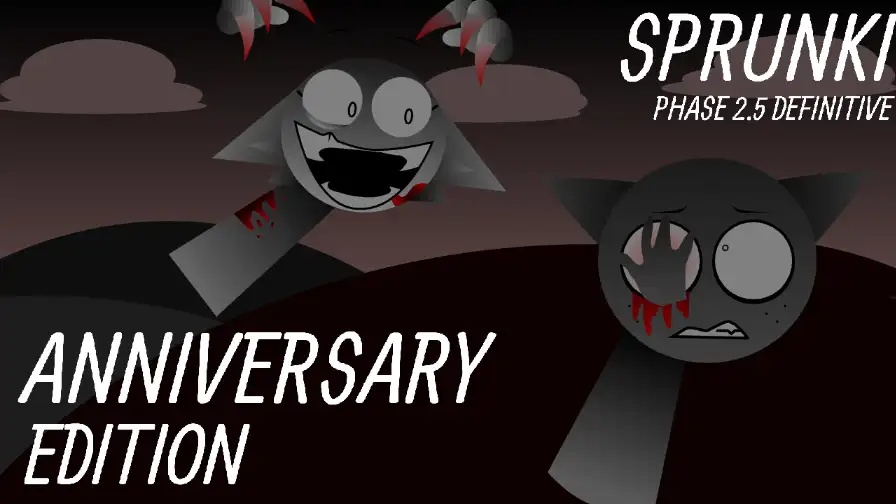
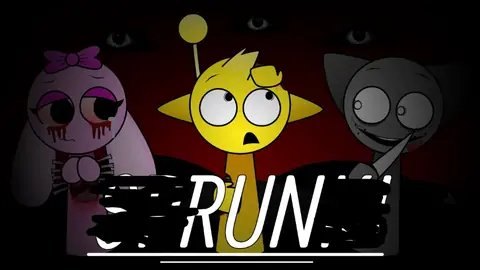
Every unit on the stage has a sinister look that carries this phase's fear and mystery. The art sets the mood before you add a single sound.
In Sprunki Phase 15, the sound bank blends vocals with distortion, slow industrial rhythms and uneasy melodies. The result feels heavy and tense, not upbeat.
Menus, character reactions and backgrounds use a gloomy, nightmare-like style. The interface and animations match the horror tone of the music.
Certain pairings of characters open special animations and gloomy surprises. Tracking them down requires trial and error, so you have a reason to shuffle your lineup again and again.
Animations react to the loops you create, which makes the picture and the music feel linked. That connection helps the horror atmosphere hit as you mix.
Comments