 ★ 5
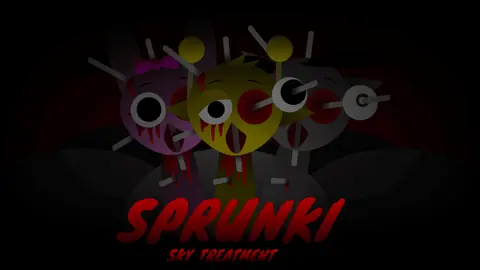
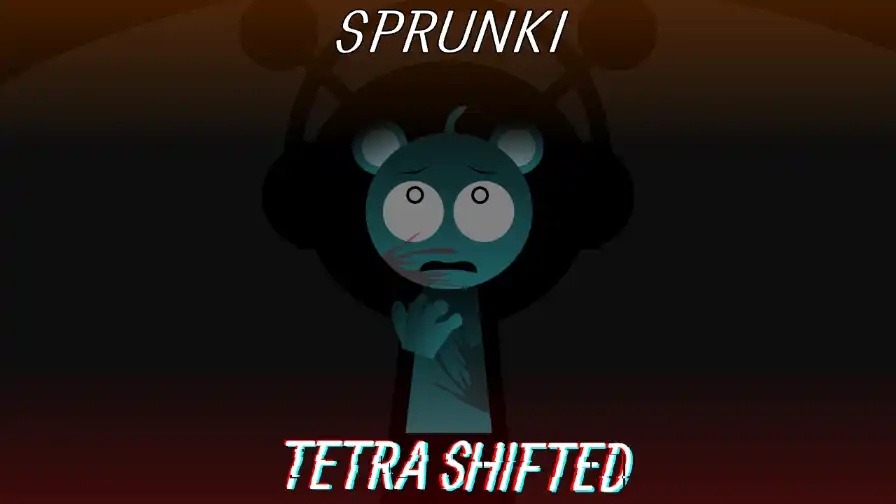
Compose chilling beats in a horror Sprunki mod starring a corrupted Sky.
 ★ 4.6
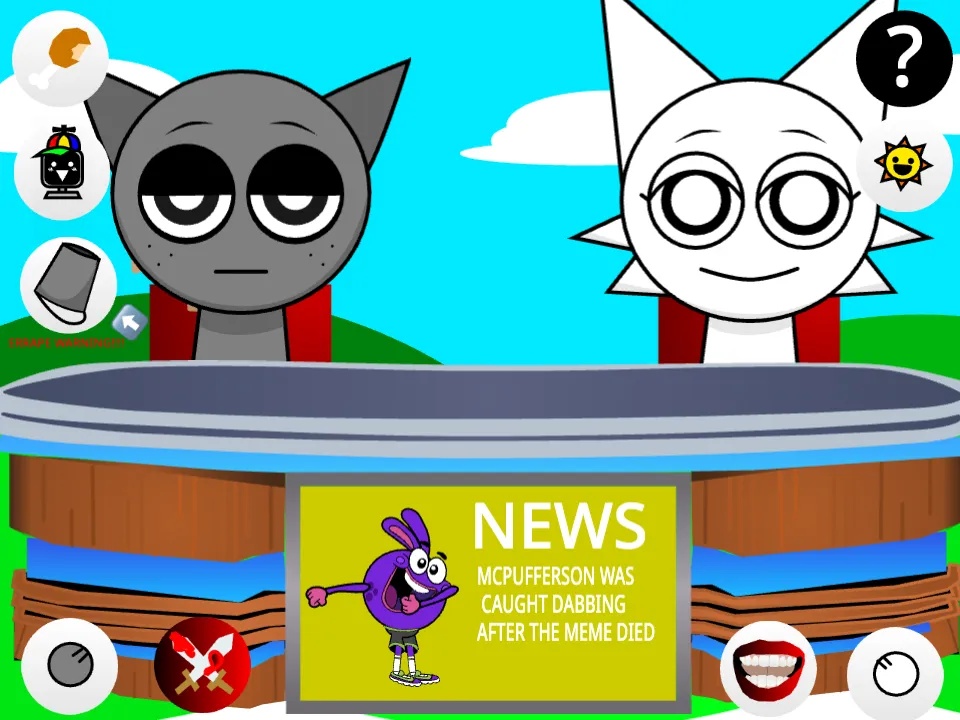
Control a chaotic Sprunki news desk and trigger comedy cutaways in your browser.
 ★ 4.4
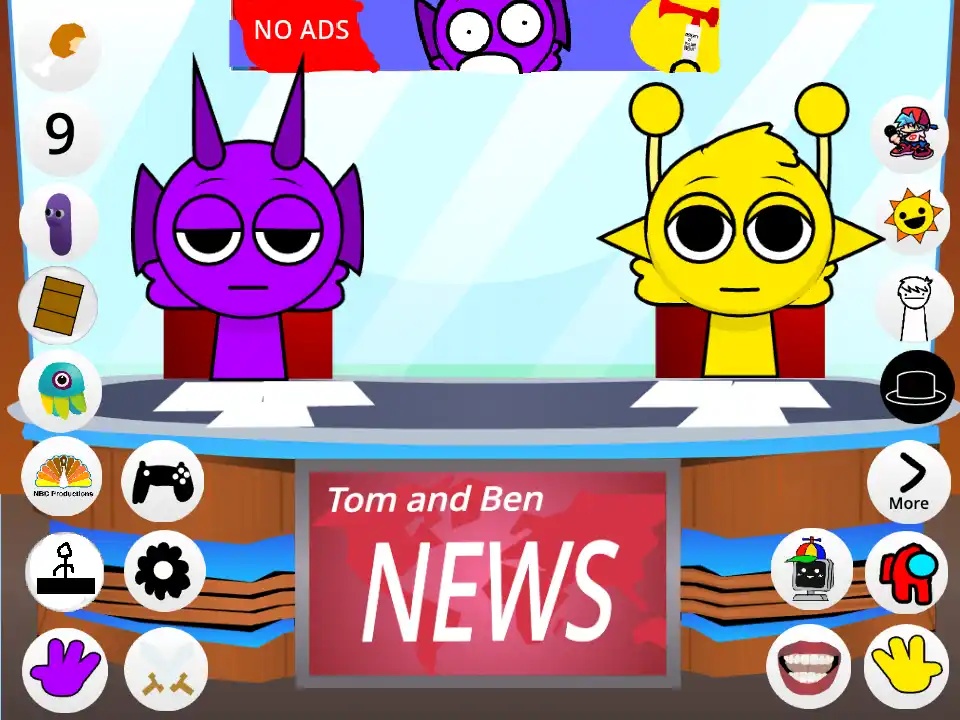
Run a chaotic TV news desk with Simon and Durple.
Click to Play
It is free!
Please be patient while game is loading
 ★ 4.2
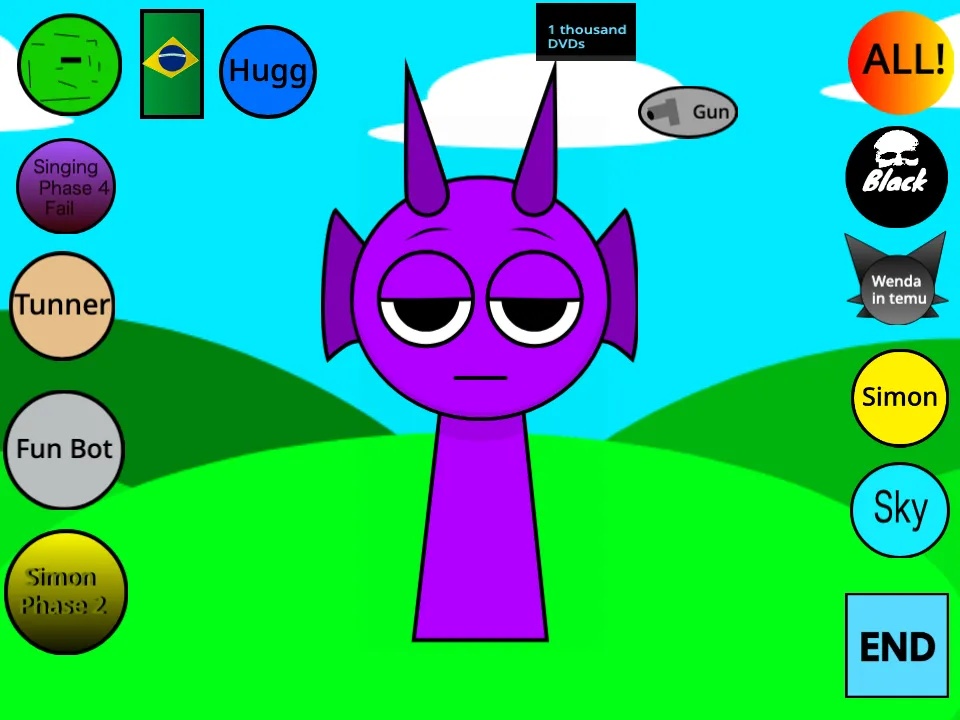
Whack grumpy Durple and stack silly sounds into a browser beat.
 ★ 4.8
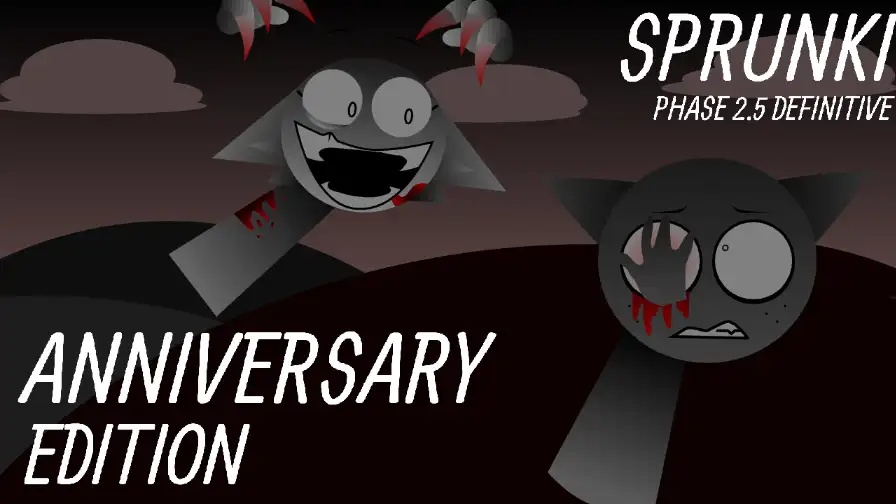
Build a cheerful Sprunki mix, then corrupt it with one hidden trigger.
 ★ 4.1
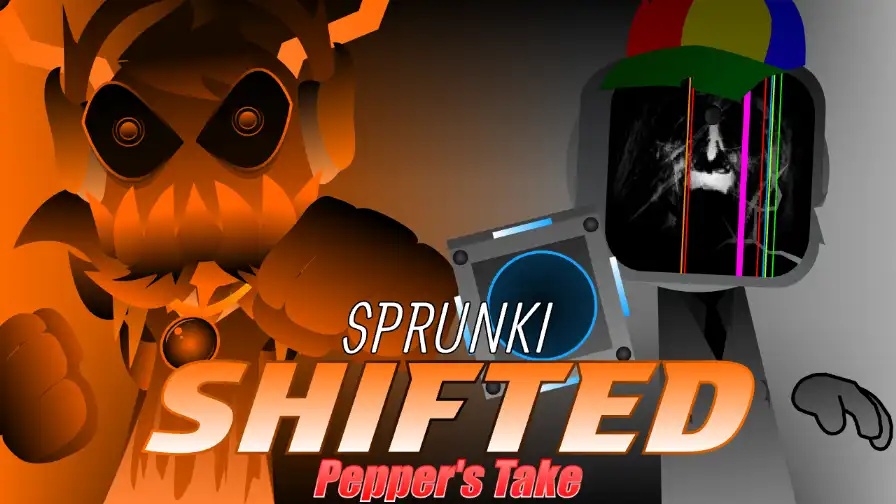
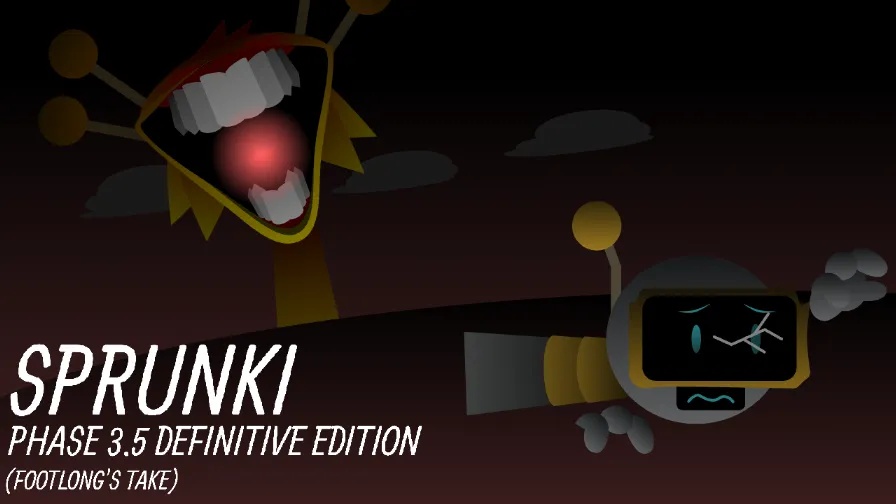
Build corrupted Sprunki loops, then set off a browser horror phase.
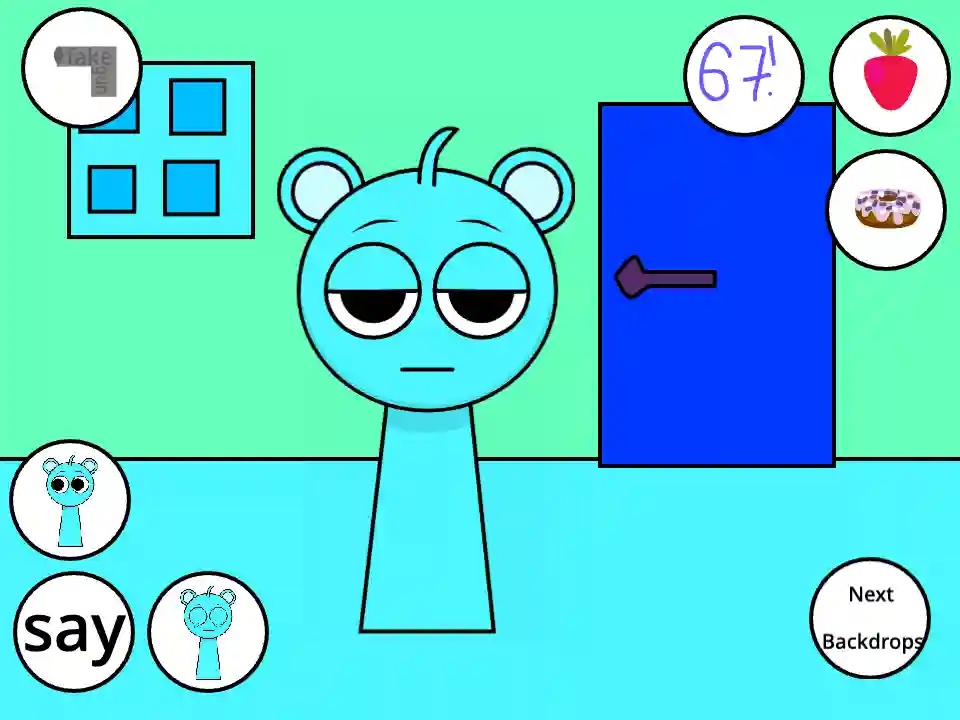
Sprunki - Talking Sky is a browser-based virtual pet game starring the blue Sprunki as a talkative buddy. You do not stack beats on a stage here. Instead, you feed, poke, and speak to Sky, then watch each reaction. This fan-made Incredibox-style mod borrows the slapstick feel of classic talking-cat mobile games. Buttons on the screen let you offer donuts and strawberries, change scenes, and trigger responses. If you allow microphone access, Sky echoes your words in a high, squeaky tone. It is free to play online in your browser with no download.
Open the page in your browser, then start the game. A prompt asks for microphone access, so approve it when you want Sky to talk back. If you refuse, the food and action buttons still react to your clicks.
Speak a brief, clear phrase, then let the red recording icon stop before you look for an answer. Sky hears you, waits, and sends your words back with a squeaky or warped tone. The shortest phrases sound the cleanest.
Use the food icon to give Sky a snack. A donut and a strawberry are the two favorites. Watch him chew, then alternate between those foods to find every eating reaction he can show.
Click Sky himself or press an action button to poke, punch, or tip him over. The spot you choose changes the result, so his face, ears, feet, and stomach each answer differently. You can expect dizzy looks, anger, and cartoon tears.
Background buttons move Sky beyond the living room. You can place him in a forest or send him to space. A fresh scene helps your clips stand out, and it does not alter the way the game plays.
Many Sprunki mods follow the same music-mixing pattern. You pull characters onto a stage and layer loops until a track forms. This game leaves that pattern behind. Sky is a pet you care for, annoy, and film rather than a beat to place. With the microphone on, you can speak a line and hear a cartoon squeak return, which helps short clips of the game travel. Food, punch, and background buttons answer your clicks in seconds. The odd humor of the fandom stays intact, and all it asks from you is curiosity.
Yes. It opens in your browser at no cost, and you do not need to download anything. Microphone permission matters only when you want Sky to repeat your voice. Feeding, background changes, and the other controls all work without payment.
Give the game microphone access, then say a brief, clear sentence into your device. Let the red recording icon finish before you wait for an answer. Sky listens, pauses, and returns your words in a squeaky or distorted voice.
The food button lets you offer Sky a donut or a strawberry. Each treat has a chewing animation of its own. If you give him one kind too often, he may react as full or sick, so switch between the two.
Because it works in any web browser, a phone or tablet can open it just as a desktop can. The mic feature works only if your browser grants the page access. The small buttons are easier to hit on a bigger screen.
Yes. This game's popularity led to multiple spin-offs. Talking Sky & Simon News seats Sky at a news desk with Simon and raises the action count to around twelve triggers. Talking Sky Friends adds Garnold, Clukr, and Jevin to the house.
Most often, your browser is blocking the microphone. Make sure the page has mic permission and that another app is not using it. Speak clearly, keep the line brief, and let the recording icon stop.
Allow mic access and Sky will copy your speech with a high, squeaky, or warped pitch. The brief gap before his answer is a big part of why the clips are funny.
The main game includes about eight different actions. They range from feeding and poking to knocking Sky down. Every action has its own animation, so random clicking seldom gives you the same view twice.
You offer donuts and strawberries, and each one starts a chewing animation. If you keep giving the same treat, he may show a full or sick reaction instead.
You can set Sky in a regular living room, a forest, or space. The swap happens at once, and it gives every screenshot or video you capture a different look.
Talking Sky & Simon News places Sky at a desk next to Simon. The two can argue, toss objects, and repeat broadcasts. That spin-off lifts the action total to roughly twelve triggers.
Later spin-offs such as Talking Sky Friends add Garnold, Clukr, and Jevin to the same house. You handle multiple characters at the same time and set off their robotic, chaotic animations.
Comments