 ★ 4.6
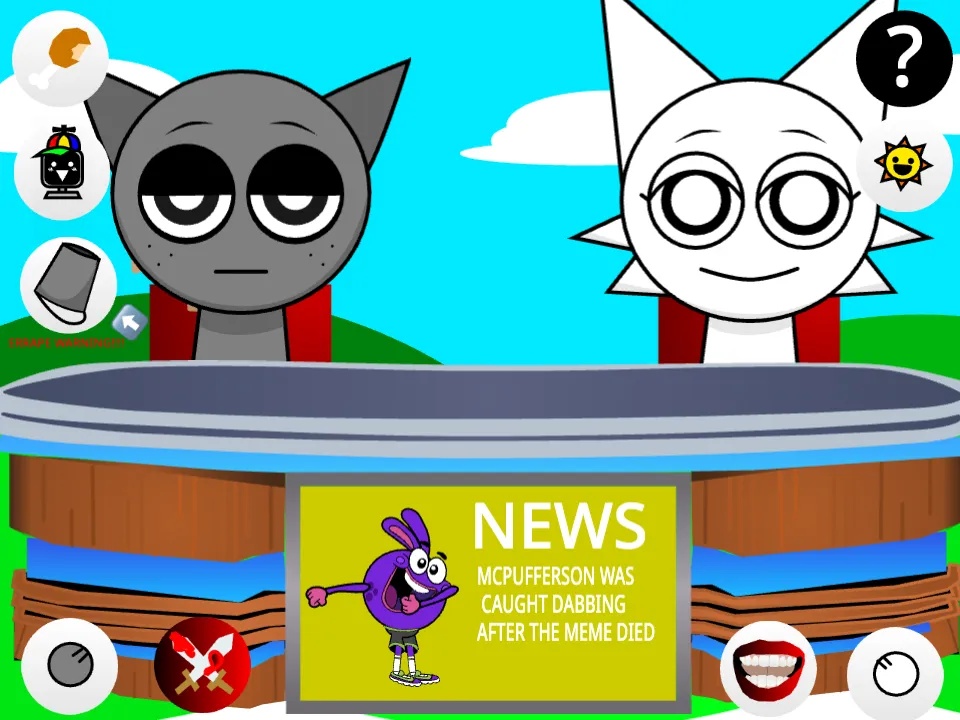
Control a chaotic Sprunki news desk and trigger comedy cutaways in your browser.
 ★ 4.6
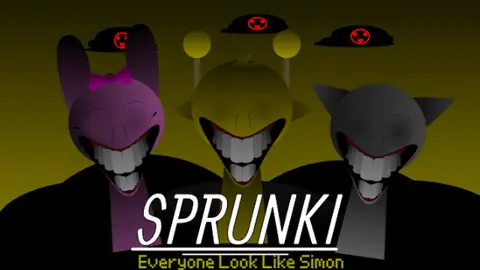
A horror-driven Sprunki mod reimagining Simon with unsettling audio-visuals.
 ★ 4.9
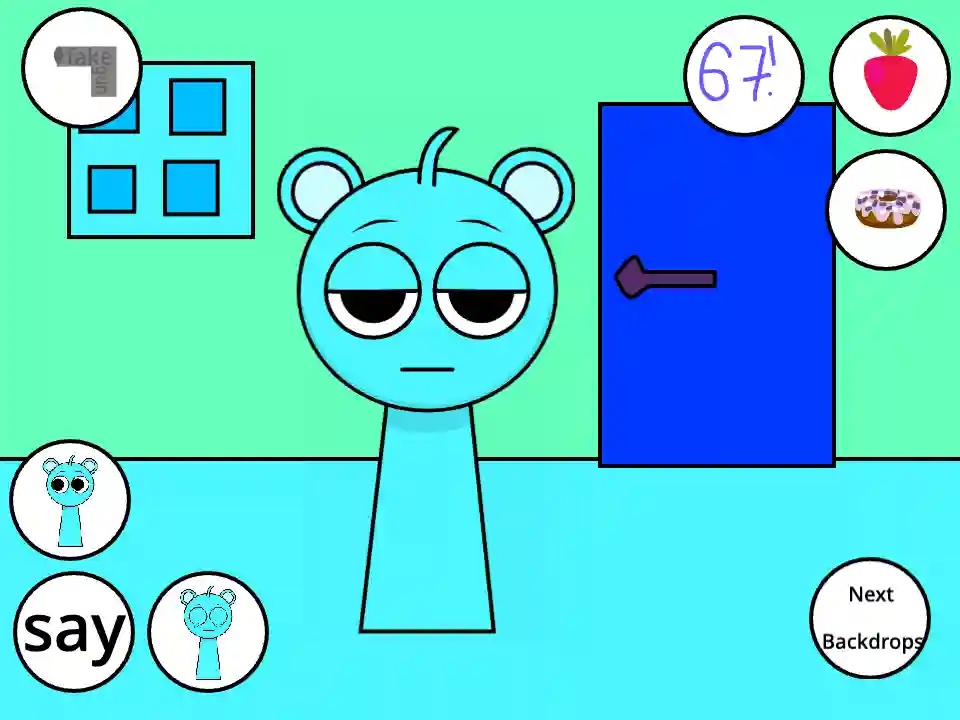
A chatty virtual pet who copies your voice and eats treats.
खेलने के लिए क्लिक करें
यह मुफ्त है!
खेल लोड होते समय कृपया धैर्य रखें
 ★ 4.2
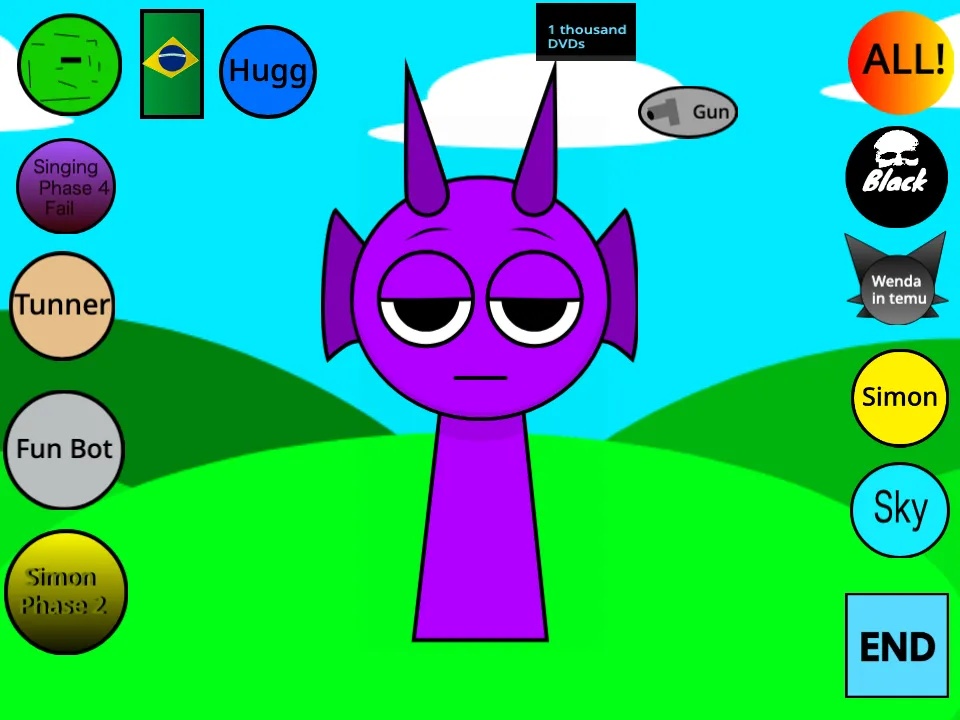
Whack grumpy Durple and stack silly sounds into a browser beat.
 ★ 4.2
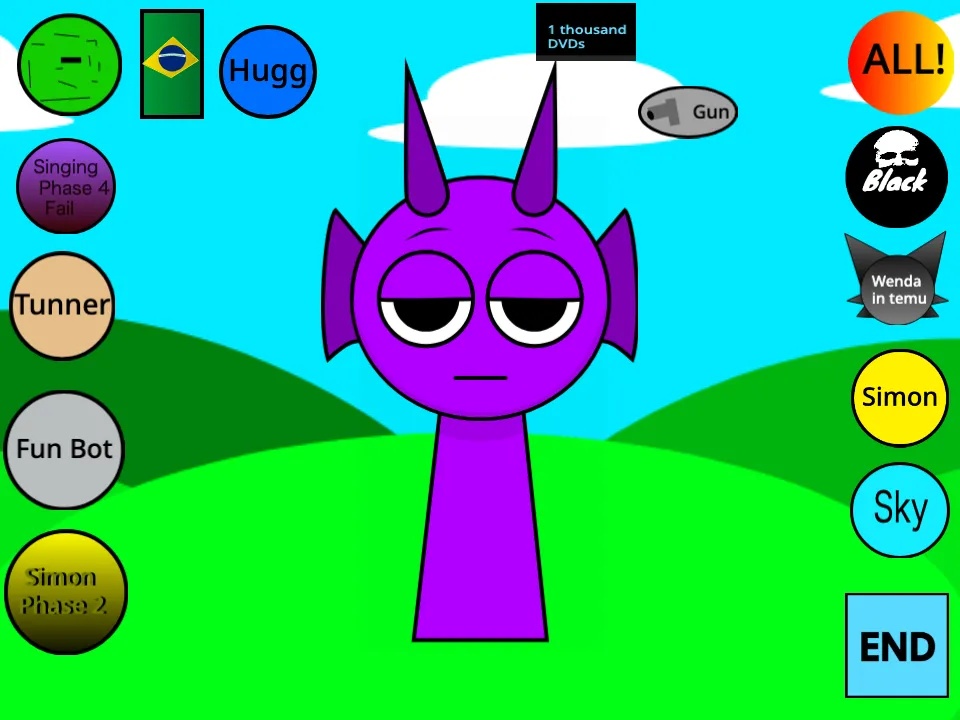
Drag sounds onto one grumpy purple blob and shape a chaotic beat.
 ★ 4.1
A horror-styled Sprunki mod remixing Durple with eerie audio-visual intensity.
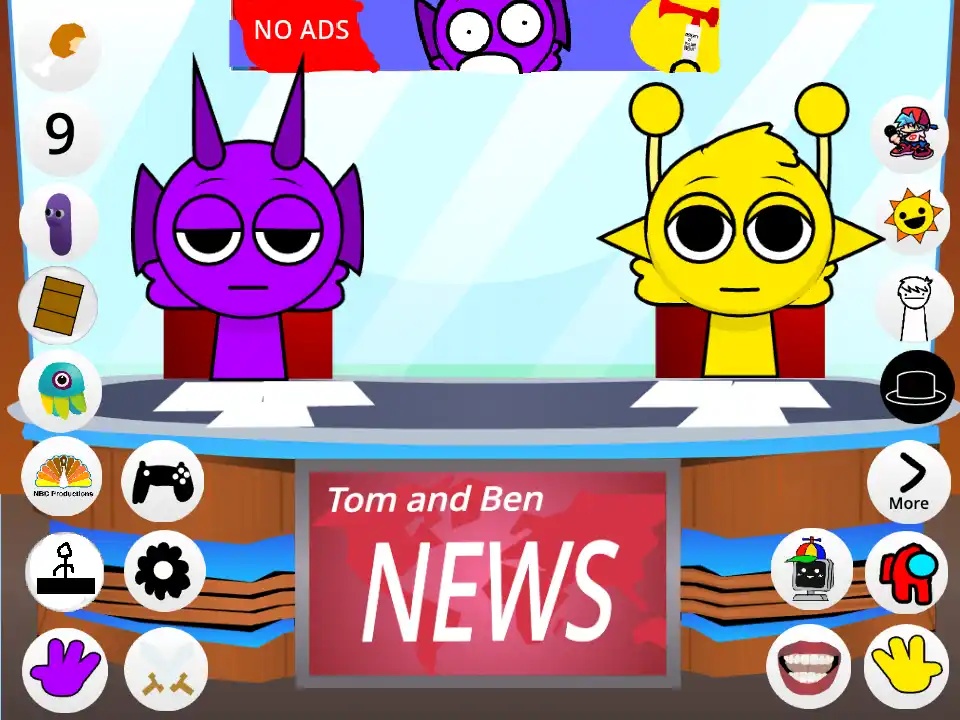
Sprunki - Talking Simon and Durple News is a comedic Incredibox fan mod in which Simon and Durple anchor a chaotic TV news show of their own. You get a news desk, microphones and a screen that flashes breaking news graphics instead of a normal music stage. Every icon you drop fires a jingle, a headline, a laugh track or a dialogue line between the two hosts. Rather than build a song, you direct a broadcast, and the humor comes from arguments, technical difficulties and guest interviews. It plays free in your browser, so you can start a show with no download.
Once the page loads, Simon sits behind the anchor desk and Durple sits next to him in the studio. You do not need to install anything. Look over the icon row before you drop your first sound.
Set the tone with a news jingle or a typing sound. The intro sound usually sits in the first beat category, so test those icons before you try the rest.
Place a voice icon on Simon, and he delivers a headline in a stressed anchor voice. Then put another on Durple for a reaction. Leave space between the two so the lines land as a back and forth.
Send a character like Oren or Pinki to the guest spot. That guest beatboxes answers to Simon's questions. The guest helps the mod keep its musical side alive within the comedy.
The papers on the desk, Durple's microphone and the screen behind the hosts all react to clicks. A few of them fire an easter egg sound, and the breaking news alert can change the tempo.
Wait for a sentence to finish before you fire the answer. Comedic timing counts for more here than a clean loop, so mute icons and drop them again until the exchange sounds natural.
Most Sprunki mods go for horror, faster rhythms or redesigned characters. This one turns the stage into a television studio and hands you a live show to run. Simon is the stressed lead anchor, and Durple keeps interrupting as the goofy co-host, so each sound you add carries a joke. Reaction and dialogue lines stand in for ordinary vocals, and the desk props hide easter eggs of their own. The result feels closer to directing a comedy skit than stacking loops. If character banter interests you more than perfect mixes, this broadcast is made for you, and it plays free in your browser.
Yes. The game costs nothing on our site and loads in your browser without a download. You do not need an account, and the studio is waiting the moment the page opens.
Dragging icons onto the stage triggers news sounds and dialogue, and you layer those pieces into a broadcast. Give Simon and Durple their own voice icons so they can trade lines, then bring in a guest for an interview segment.
Simon is the golden-faced lead anchor, and Durple is the purple co-host. Simon works to keep the show professional, while Durple adds pranks, snoring and loud reactions. Most of the comedy comes from the two of them arguing.
Not really. Placing icons still builds a mix, yet the sounds you use are jingles, headlines and dialogue lines. Instead of making a song, you run a funny news segment with both hosts.
Some versions add a guest slot. Send a character like Oren or Pinki onto the stage, and that guest answers Simon's questions by beatboxing. The interview brings music mixing back into the comedy.
A television set replaces the familiar Sprunki stage, complete with microphones, an anchor desk and a screen that displays breaking-news graphics. Those visuals set up the broadcast joke before you press a single icon.
Beat, melody, effect and voice slots carry typing sounds, news jingles, laugh tracks, autotuned headlines and technical difficulty beeps rather than normal instruments. Every icon acts as a comedy sound bite.
A guest slot lets characters such as Oren or Pinki join the desk. They answer Simon's questions with beatboxing, and the interview adds musical layers as it delivers a joke.
Simon is the professional anchor who tries to hold the show together. Durple brings snoring, laughter and nonsense catchphrases. Their contrast drives most of the humor.
Clicking the papers, microphones or background screen triggers a reaction. Players who explore the set between mixes can find hidden animations and sound effects.
Gray and Wenda are examples of characters who can show up as camera operators or weather reporters. When you activate one, you get more studio noise and another layer of background music in your broadcast.
टिप्पणियाँ