 ★ 4.6
Emotion-driven Sprunki mod blending rhythm, mood, and Jevin’s haunting soundscape.
 ★ 4.1
Care for baby Sprunkis during daycare shifts in Sprunki Babies Daycare Interactive (Updated).
 ★ 4.2
Whack grumpy Durple and stack silly sounds into a browser beat.
खेलने के लिए क्लिक करें
यह मुफ्त है!
खेल लोड होते समय कृपया धैर्य रखें
 ★ 4.8
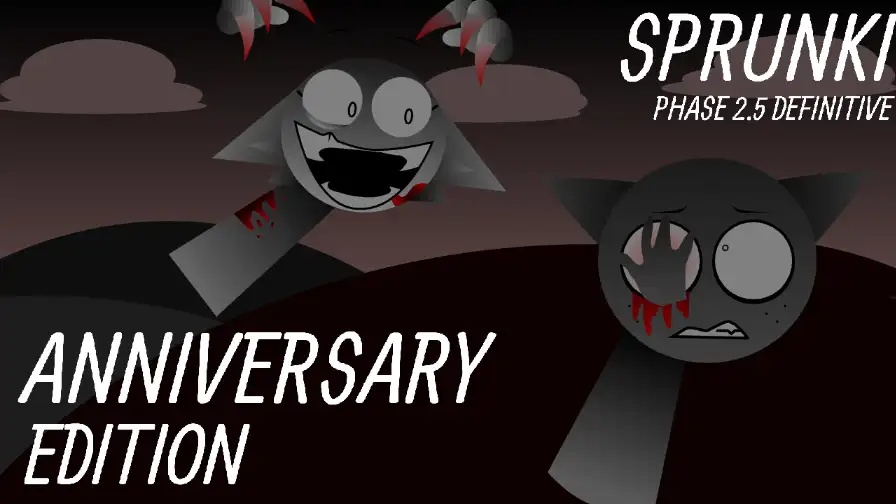
Build a cheerful Sprunki mix, then corrupt it with one hidden trigger.
 ★ 4.1
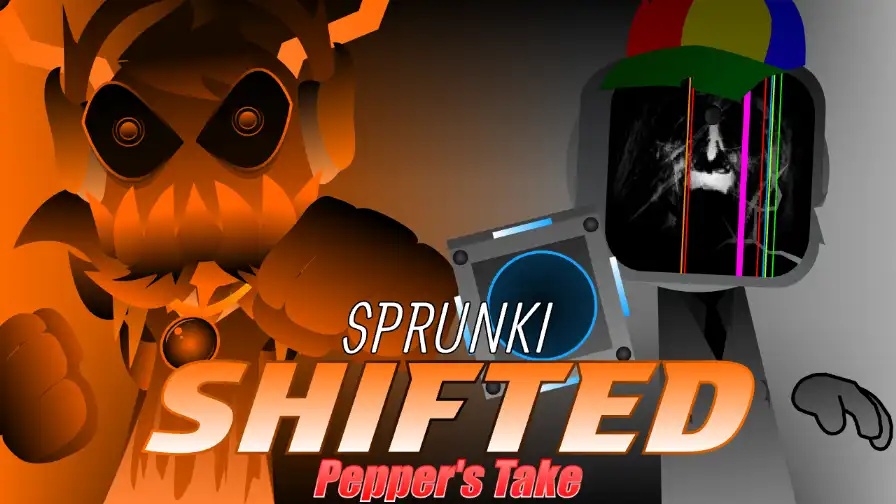
Build corrupted Sprunki loops, then set off a browser horror phase.
 ★ 4.1
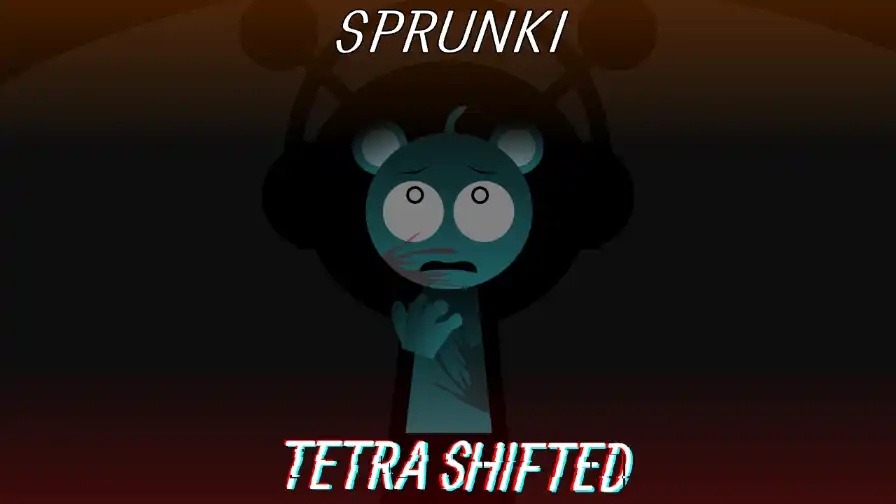
Sprunki Tetra Shifted rewires a music mixer into a chilling mystery.
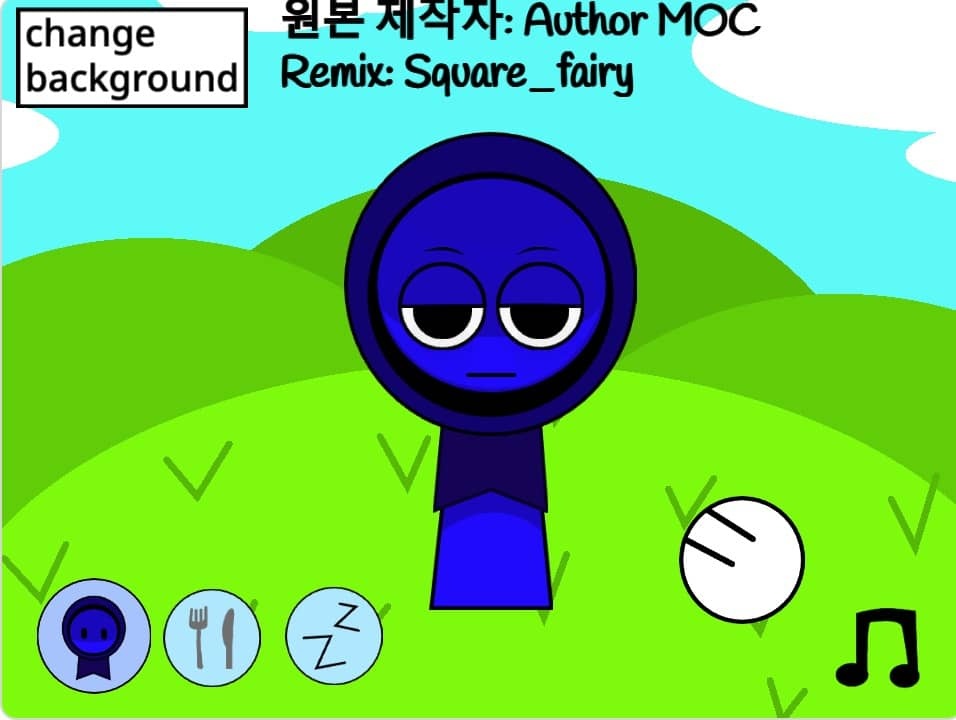
Interactive Jevin is a browser-based character toy that lets you poke a playful guy, change his outfits, and settle him down for sleep. Tap the parts of his face and his expression shifts. The kitchen and the bedroom open from icons, and you can swap his meals inside the kitchen. A music toggle controls the background tune while you play. Press and hold his body and his hands show up. You can play it free online with nothing to download. It all runs in your browser, so you start in seconds. Little animations respond to every tap, and the two rooms give you more than one thing to do.
Open the page and let the scene load for a moment. You need no install, no account and no download, since the game runs right inside a browser tab on our site.
Give his eyebrows, eyes, mouth, cheeks or forehead a click or a tap. Each spot fires a different face, so one tap at a time you can build a reaction and then change it again.
Keep your pointer pressed on his body for a second and his hands appear. Let go and they slip back. That shows a hold does something a quick tap does not.
The fork and knife icon opens the kitchen. In that room you can move objects about and hit the change button to trade his meal for another dish.
Hit the ZZ button and the bedroom opens. Use the blanket or the light to settle him down. Sleep mode is a quiet scene, not a challenge, so nothing can go wrong here.
His hat goes on or comes off with the hat button. The music note icon switches the background track on or off, which lets you play with sound or in silence.
Plenty of Sprunki mods want you to pile sound loops onto a stage packed with characters. Interactive Jevin takes the opposite route. Here you meet one character and a handful of tiny reactions to uncover. Tap his eyebrows, mouth, eyes or cheeks and his face changes; keep your pointer on his body and his hands pop out. The kitchen and the bedroom bring props to shift, dishes to swap, and a sleep mode you start with the blanket or the light. No clock runs and no move is wrong, which makes it a calm toy you handle yourself.
Yes. It costs nothing to play in your browser on our site, and you need no download, account or payment. Open the page and the game begins right in the tab.
You tap the character and hold on him. A tap on parts of his face alters his expression, a hold on his body reveals his hands, and the icon row holds the kitchen, bedroom, hat and music controls.
The controls are taps and holds, which suit a touchscreen well. Any current phone or tablet browser able to run small interactive pages should handle it, though smooth play on every device is not something we can promise.
The fork and knife icon takes you to the kitchen. Once inside, you move items about and press the change button to swap his meal for another dish, then bring the old one back.
Hit the ZZ button to get to the bedroom, then tap the blanket or the light. Both send him to sleep. Sleep mode stays calm, and no timers or goals can trip you up.
Yes, and you decide. A music note icon switches the background music on or off, so you can let the track play or go silent without touching any other setting.
Tap his eyebrows, mouth, eyes, cheeks or forehead and the face he shows you shifts. Every spot works as its own control, so you get lots of mixes to test.
A fork and knife icon brings up a kitchen scene. There you shift objects about and use the change button to trade his food for something else. Think of it as a tiny sandbox.
Press the ZZ button and you land in the bedroom, where the blanket or the light sends him off to sleep. This is the quietest scene in the game and easy to start.
One music note icon switches the background track on and off. Leave it on as you tap around, or turn it off for a silent session.
Tap once and his hat goes on; tap again and it comes off. This little extra changes his look while you stay in the same scene.




टिप्पणियाँ